
Enter coordinates
Use decimal degrees, degrees with decimal minutes, or degrees/minutes/seconds.
GPS coordinates for boaters
Save mooring coordinates, enter positions in the formats boaters already use, and point your iPhone back toward a saved spot with distance and heading.
Use decimal degrees, degrees with decimal minutes, or degrees/minutes/seconds.
Keep a list of named mooring locations and edit details after saving.
Use your current location and compass heading to see distance and direction to the selected coordinate.
Designed for every screen
Enter coordinates and return to saved moorings with the same focused experience on iPhone and iPad.
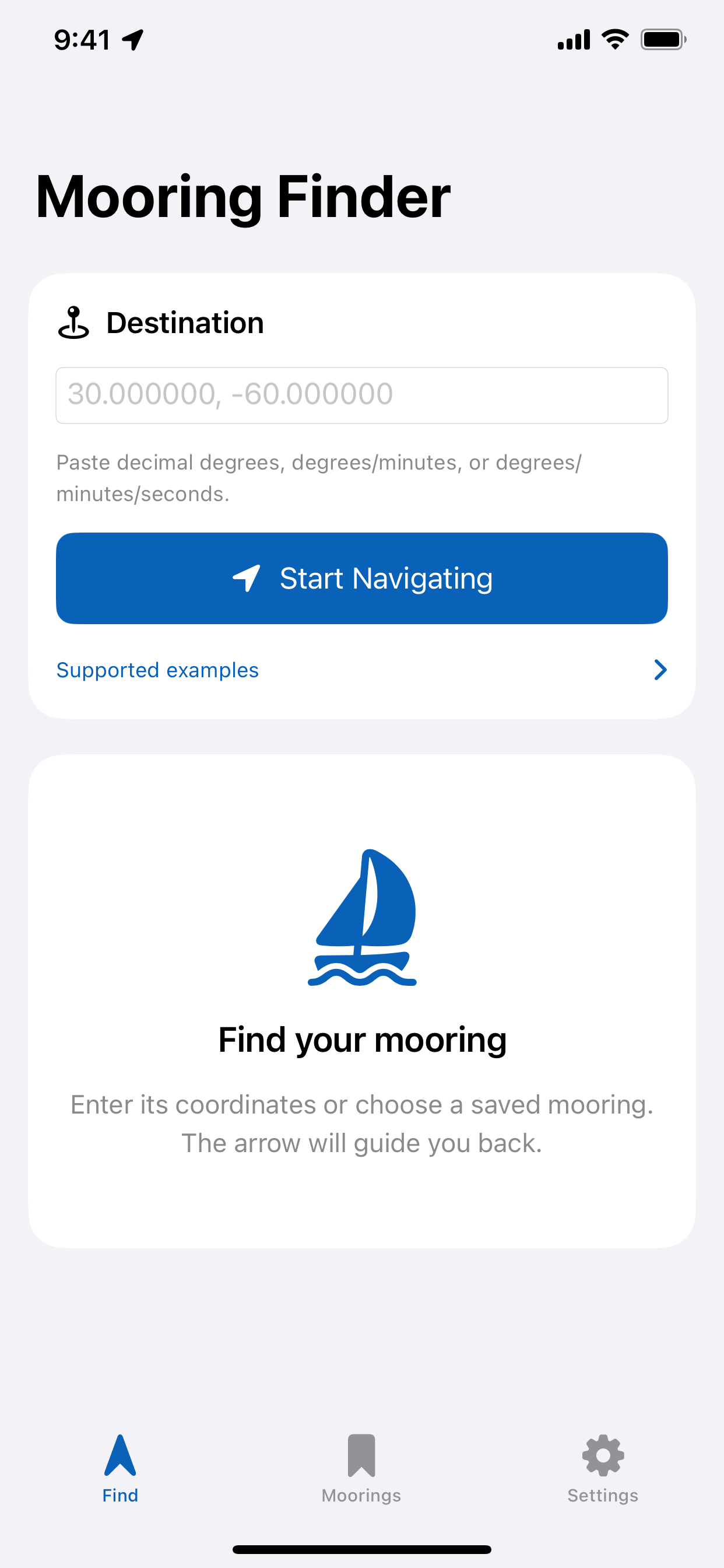
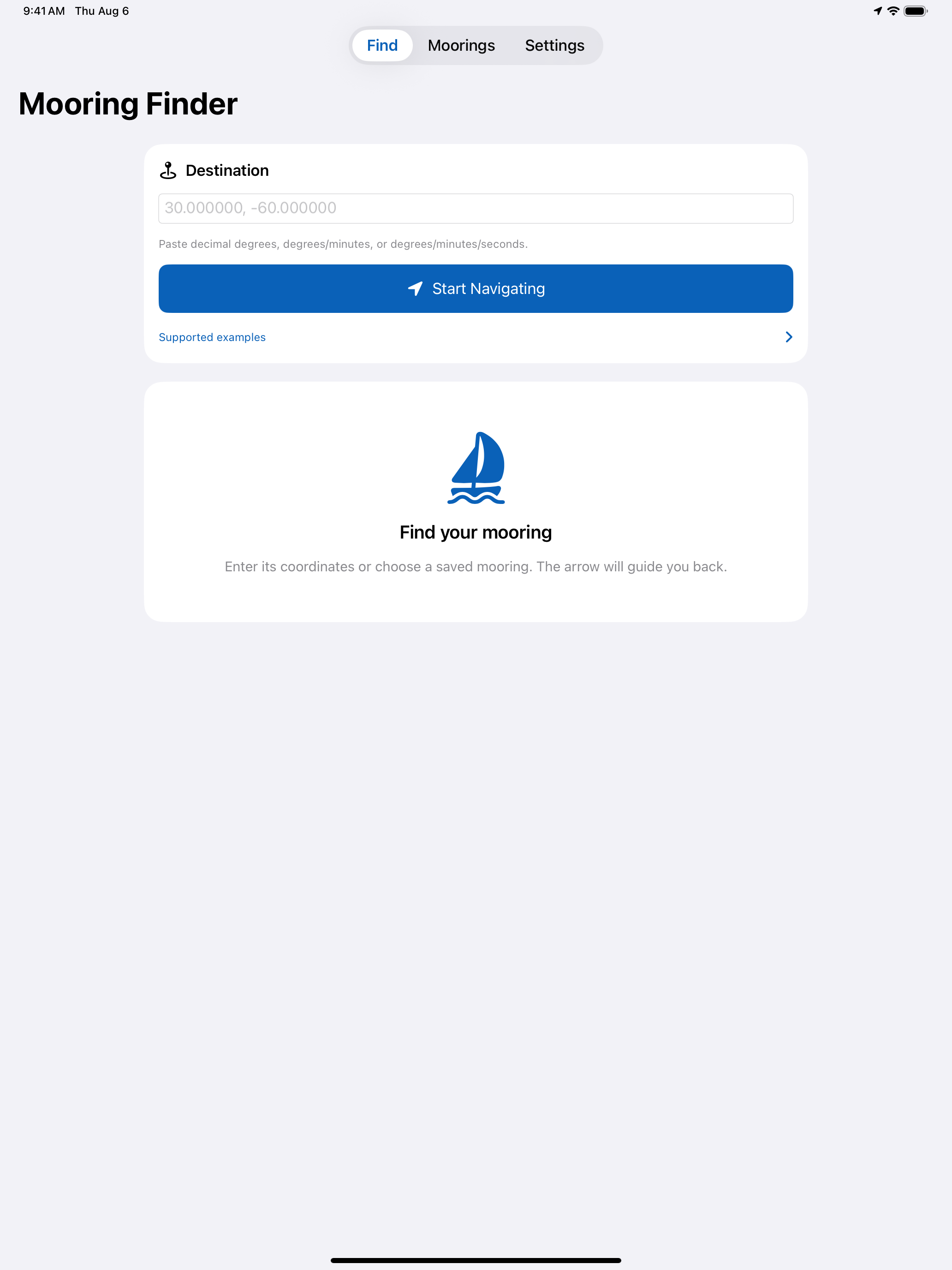
Mooring Finder is a focused GPS coordinates app for boaters who want a simple way to store and return to important water locations. Add a mooring by typing coordinates, save it with a name and optional details, then use the Find tab to navigate back using live distance and heading information.
The app stores moorings on your device. Optional iCloud Drive backup is available from Settings and remains off until you enable it.
Mooring Finder is a navigation aid, not a substitute for safe boating practices, charts, marine navigation equipment, or local conditions.